How to Get More Customers Online in India: A Practical Guide for Small Businesses
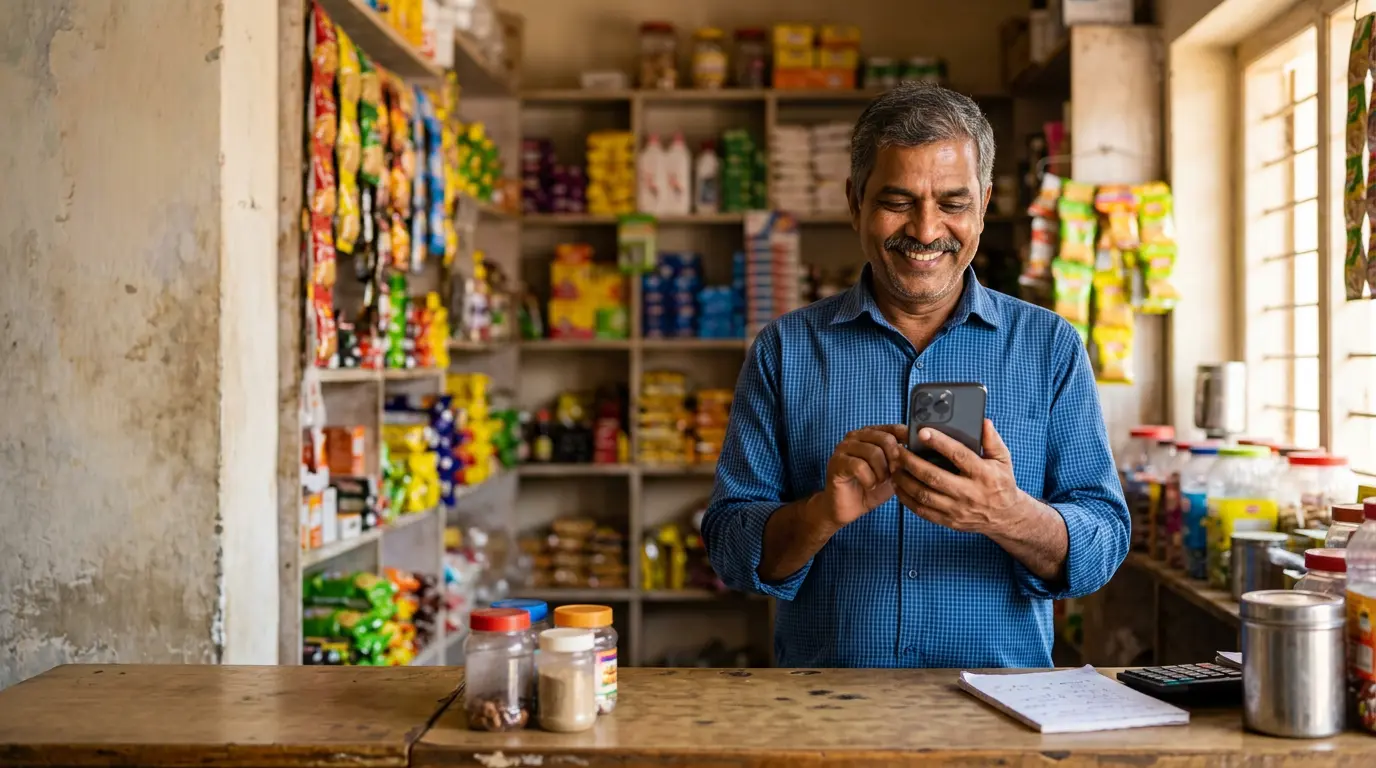
You run a good business. Your customers are happy, your word-of-mouth is strong, and yet the phone doesn't ring as often as you'd like. Meanwhile, a competitor down the road, or one in another city entirely, seems to be getting enquiries from Google, Instagram and WhatsApp every day.
If that sounds familiar, you're not alone. Many small business owners in India know they "should be online" but aren't sure where to start, what to spend money on, or what actually works.
This guide explains how to get more customers online in India in plain language. You'll learn which channels matter, how they compare, which mistakes to avoid, and how to follow a simple 90-day plan you can start this week, with or without an agency.
Table of Contents
- Why Getting Customers Online Matters for Indian Small Businesses
- Step 1: Set Up and Optimise Your Google Business Profile
- Step 2: Build a Website That Turns Visitors into Enquiries
- Step 3: Use SEO to Get Found on Google
- Step 4: Use Social Media Marketing to Build Trust
- Step 5: Run Google Ads for Faster Results
- Step 6: Capture and Follow Up on Leads
- Step 7: Measure What's Working
- SEO vs Google Ads vs Social Media vs Local SEO: A Comparison
- Common Mistakes Small Businesses Should Avoid
- A Realistic 90-Day Action Plan for Beginners
- Frequently Asked Questions
- Conclusion
Why Getting Customers Online Matters for Indian Small Businesses
Think about how you choose a new restaurant, a dentist or a plumber. You probably search on Google, check the reviews, look at a few photos, and maybe message them on WhatsApp before you decide.
Your customers do the same. Before they call you, they are searching, comparing and reading. If your business doesn't show up, or shows up with old photos, no reviews and a broken website, they move on to someone who looks more trustworthy.
Digital marketing for small businesses is not about having a big budget. It's about being visible and credible at the moment someone is looking for what you offer. The good news is that several of the most effective tools are free or low-cost.
Step 1: Set Up and Optimise Your Google Business Profile
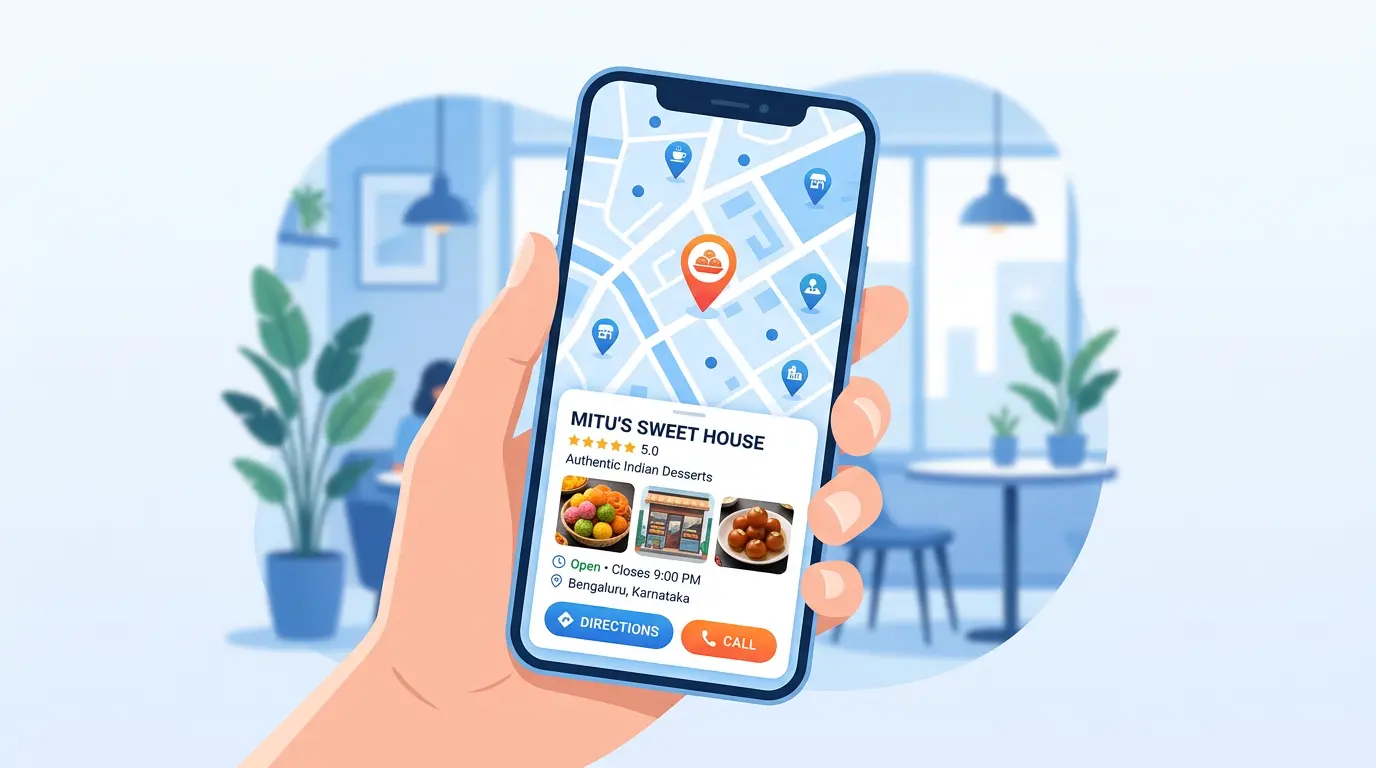
If you serve customers in a specific area, such as a clinic in Pune, a salon in Indore or a hardware shop in Coimbatore, your Google Business Profile is often the single most important free listing you can have. It's what appears in Google Maps and in the "local pack" of businesses shown for searches like "CA near me" or "bakery in Andheri".
You can create or claim your listing through Google Business Profile.
How to optimise it
- Choose the right primary category. A "Physiotherapist" is different from a "Physical therapy clinic", so pick the one that best describes your main service.
- Keep your name, address and phone number (NAP) consistent everywhere: your website, Justdial, IndiaMART, Facebook and so on.
- Add real photos of your shop, team, products and work. Avoid stock images.
- Set accurate opening hours, including holiday hours during Diwali, Eid, Christmas or local festivals.
- Ask happy customers for reviews, and reply to every review politely, including the negative ones.
- Post updates about offers, new products or events.
Google explains how local rankings are decided (relevance, distance and prominence) in its official guide to improving your local ranking on Google.
Example: A family-run sweet shop in Jaipur adds photos of its festive boxes, lists its Diwali hours, and replies to every review in Hindi or English, matching the language of the reviewer. Over time, these small steps help it look more active and trustworthy than listings that were set up once and forgotten.
If you'd prefer expert help, FutureLoopix offers Google Business Profile optimisation for local businesses.
Step 2: Build a Website That Turns Visitors into Enquiries
Social media pages and marketplace listings are useful, but you don't own them. Your website is the one place online where you control the message, the design and the customer journey.
A good small business website doesn't have to be large. It has to be clear, fast and easy to contact you from.
What every small business website needs
- A clear headline that says what you do and where (for example, "Interior Designers in Hyderabad for Homes and Offices").
- Separate pages for each main service, so each one can rank for its own searches.
- A mobile-friendly design. Many Indian users browse primarily on their phones.
- Fast loading. You can test your speed for free with Google PageSpeed Insights.
- Visible contact options: a click-to-call button, a WhatsApp button and a short enquiry form.
- Trust signals: real testimonials, photos of past work, your address and your GST-registered business name if relevant.
If you're starting from scratch or your current site is outdated, professional website development services can help you build a site that's designed for enquiries, not just appearance.
Step 3: Use SEO to Get Found on Google
SEO (Search Engine Optimisation) means improving your website so it appears higher in Google's unpaid ("organic") search results. When it works, it brings in steady traffic without you paying for every click.
SEO takes time, usually months rather than weeks, but it builds an asset that keeps working.
Simple SEO basics you can start today
- Research what customers actually type. Think "AC repair in Gurgaon", not just "AC services". Google's own search suggestions and the "People also ask" box are free ways to find these phrases.
- Write a unique title and description for each page.
- Create helpful content that answers real customer questions, such as "How much does a modular kitchen cost in Bengaluru?" or "What documents are needed for GST registration?"
- Use simple, descriptive page URLs.
- Link related pages together on your own site.
- Earn mentions and links from local directories, industry associations and local news sites.
Google's free SEO Starter Guide on Google Search Central is the most reliable place to learn the fundamentals directly from the source.
If you'd like a structured approach, you can explore our SEO services in India to see how a professional SEO process works.
Step 4: Use Social Media Marketing to Build Trust
Social media marketing works differently from search. People on Google are usually looking for something. People on Instagram, Facebook or YouTube are often just scrolling. Social media is therefore excellent for building familiarity, trust and repeat business.
How to make social media work for a small business
- Pick one or two platforms where your customers spend time. A boutique or café may do well on Instagram; a B2B manufacturer may get more value from LinkedIn.
- Show the real business: behind-the-scenes videos, before-and-after results, customer stories and team introductions.
- Use short videos (Reels/Shorts) to explain your products or answer common questions.
- Post in the language your audience uses. Regional-language content can feel more personal for local audiences.
- Make it easy to contact you: add WhatsApp and phone links to your bio and posts.
- Be consistent. A regular, manageable schedule beats a burst of posts followed by months of silence.
Example: A home-baker in Kochi shares short videos of cakes being decorated, adds clear pricing in Story highlights, and uses a WhatsApp link for orders. Followers can see the quality and order in a couple of taps.
For businesses that want a planned strategy and regular content, our social media marketing services cover planning, creatives and campaign management.
Step 5: Run Google Ads for Faster Results
SEO is slow. Google Ads for small businesses can put you at the top of search results within days, because you pay when someone clicks your ad (this is called PPC, or pay-per-click).
How to use Google Ads without wasting money
- Start small and local. Target only the cities or pin-code areas you actually serve.
- Choose specific, high-intent keywords, for example "emergency plumber Noida" rather than just "plumber".
- Add negative keywords to block searches you don't want (such as "jobs", "free" or "course").
- Send traffic to a relevant landing page, not just your homepage.
- Set up conversion tracking so you know which ads lead to calls or form submissions.
- Review results weekly and pause what isn't working.
The official Google Ads Help Centre explains account setup, bidding and conversion tracking step by step.
Ads stop the moment you stop paying, so they work best alongside SEO, not instead of it. If you want help planning and managing campaigns, explore our Google Ads and PPC services.
Step 6: Capture and Follow Up on Leads
Getting attention is only half the job. Online lead generation means turning that attention into contact details and conversations you can follow up on.
Practical ways to capture more leads
- Use a short enquiry form. Ask only for what you need (name, phone, requirement).
- Add a WhatsApp chat button. Many Indian customers prefer messaging over calling.
- Offer something useful in exchange for contact details: a price list, a free consultation, a checklist or a sample.
- Respond quickly. A lead that waits a day may already have contacted your competitor.
- Keep a simple record of every enquiry (even a shared Google Sheet works) with the source, date and status.
- Follow up politely. Many customers need a reminder before they decide.
Step 7: Measure What's Working
Without measurement, marketing becomes guesswork. Free tools can show you where visitors come from and what they do on your website.
- Google Analytics shows how many people visit your site, which pages they view and which channels (Google, Instagram, ads) bring them in.
- Google Search Console (part of Google Search Central) shows which search terms your site appears for.
- Google Business Profile insights show how many people called, requested directions or visited your website from your listing.
Once a month, ask three simple questions: Where did our enquiries come from? Which channel cost the least per enquiry? What should we do more of?
SEO vs Google Ads vs Social Media vs Local SEO: A Comparison
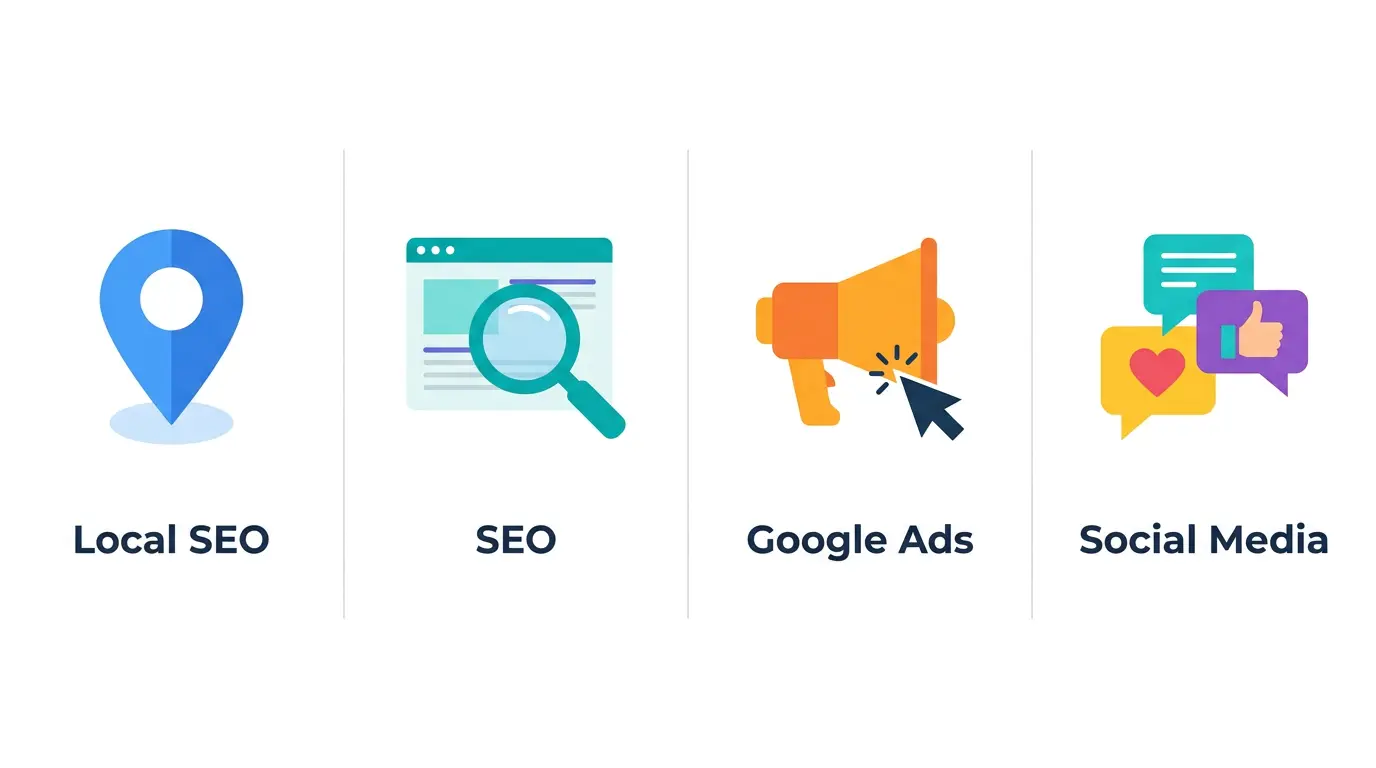
Each channel has a different role. Here's a simple comparison to help you decide where to begin.
| Channel | Best For | Speed of Results | Cost Type | Main Strength | Main Limitation |
|---|---|---|---|---|---|
| Local SEO (Google Business Profile) | Shops, clinics, service providers in a specific area | Weeks to a few months | Mostly free (time and effort) | Visibility on Google Maps for nearby searches | Limited to your local area |
| SEO (Website) | Businesses wanting long-term, steady traffic | Usually several months | Time, content and/or agency fees | Ongoing traffic without paying per click | Slow to build; needs consistent effort |
| Google Ads (PPC) | Businesses needing enquiries quickly | Can start within days | Pay per click plus management | Fast, targeted, measurable | Traffic stops when spending stops |
| Social Media Marketing | Brand building, visual products, repeat customers | Gradual (organic); faster with paid ads | Time, content creation, optional ad spend | Builds trust and community | Users are often browsing, not ready to buy |
A sensible approach for most small businesses: start with your Google Business Profile and a solid website, add SEO for the long term, use Google Ads when you need faster enquiries, and use social media to build trust and stay top of mind.
Common Mistakes Small Businesses Should Avoid
- Trying every platform at once. Doing two channels well is better than doing six poorly.
- Ignoring Google Business Profile. It's free and often brings in local enquiries, yet many listings are incomplete.
- Having a website that's hard to use on mobile. If customers can't tap to call or read your prices easily, they'll leave.
- Buying followers or fake reviews. This can damage trust and may violate platform policies.
- Running ads without tracking conversions. You won't know which rupees are working.
- Sending ad traffic to the homepage. A focused landing page usually performs better.
- Expecting overnight results from SEO. It's a long-term investment.
- Slow responses to enquiries. Speed and politeness often decide who wins the customer.
- Copying content from competitors. Original, helpful content is what Google aims to reward.
- Believing "guaranteed #1 ranking" promises. No one can guarantee Google rankings. Google itself advises caution about such claims.
A Realistic 90-Day Action Plan for Beginners
You don't need to do everything at once. Here's a manageable plan.
Days 1–30: Build the Foundation
- Create or claim your Google Business Profile and complete every section.
- Add at least 10 genuine photos of your business.
- Ask 5–10 existing happy customers to leave a Google review.
- Check that your website works well on mobile and has click-to-call and WhatsApp buttons.
- Set up Google Analytics and Google Search Console.
- Choose one or two social media platforms and complete your profiles.
Days 31–60: Start Creating and Promoting
- Create a separate page on your website for each main service.
- Write two or three helpful blog posts answering common customer questions.
- Post on social media two or three times a week, including short videos.
- Post weekly updates on your Google Business Profile.
- If budget allows, test a small, location-targeted Google Ads campaign with conversion tracking.
Days 61–90: Measure and Improve
- Review where your enquiries came from.
- Improve the pages and posts that perform best; pause what isn't working.
- Continue asking for reviews and replying to them.
- Build a simple follow-up routine for every lead.
- Decide whether to handle marketing in-house or get professional support for specific channels.
Frequently Asked Questions
1. What is the cheapest way for a small business to get customers online in India?
Setting up and actively maintaining a Google Business Profile is free and can be very effective for local businesses. Combine it with consistent social media posting and genuine customer reviews before spending on paid ads.
2. How long does SEO take to show results?
It varies by industry, competition and the current state of your website. SEO generally takes several months to show meaningful results. It's a long-term strategy, not a quick fix.
3. Should I choose SEO or Google Ads for my small business?
They serve different purposes. Google Ads can bring enquiries quickly but stops when you stop paying. SEO takes longer but can deliver steady traffic over time. Many businesses use Ads for short-term enquiries while building SEO for the long term.
4. Do I really need a website if I already have an Instagram page?
A website gives you a platform you own and control, can appear in Google search results, and often builds more credibility. Social media works best when it supports your website, not as a replacement.
5. How much should a small business spend on digital marketing?
There's no fixed figure. It depends on your goals, industry, location and competition. Start with free channels, test a small paid budget, measure the cost per enquiry, and increase spending only on what's working.
6. Can I do digital marketing myself?
Yes. Many basics, such as Google Business Profile, social media posting and simple content, can be done yourself using free official guides. As your business grows, professional help can save time and bring more structure to SEO, ads and website work.
Conclusion
Getting more customers online isn't about chasing every trend or spending a fortune. It comes down to a few basics done consistently: being easy to find on Google, having a website that makes it simple to contact you, building trust on social media, using ads wisely when you need faster results, and following up on every enquiry.
Start with the 90-day plan above. Focus on one or two channels, measure what happens, and improve step by step. Small, steady actions add up.
If you'd like a second opinion on where your business should focus, get in touch with the FutureLoopix team. We're happy to understand your business and suggest a practical next step.